
A Simpler Way to Manage Your Livecomm Usage
Livecomm Credits give you a simple and predictable way to manage the cost of the services you use. Your available balance is used as your account generates usage, and you can control how your balance is replenished.
- Start with a $10.00 minimum credit balance
- Credits are consumed based on your actual usage
- Monitor your available credit balance
- Configure Automatic Refill to help keep credits available

a simpler way to manage your livecomm usage
What Are Livecomm Credits?
Credits represent the available balance in your Livecomm account that can be used for eligible Livecomm services.
As your account uses Livecomm services, the corresponding usage is deducted from your available credit balance.
You can monitor your balance and configure Automatic Refill options to help maintain the credits you need.
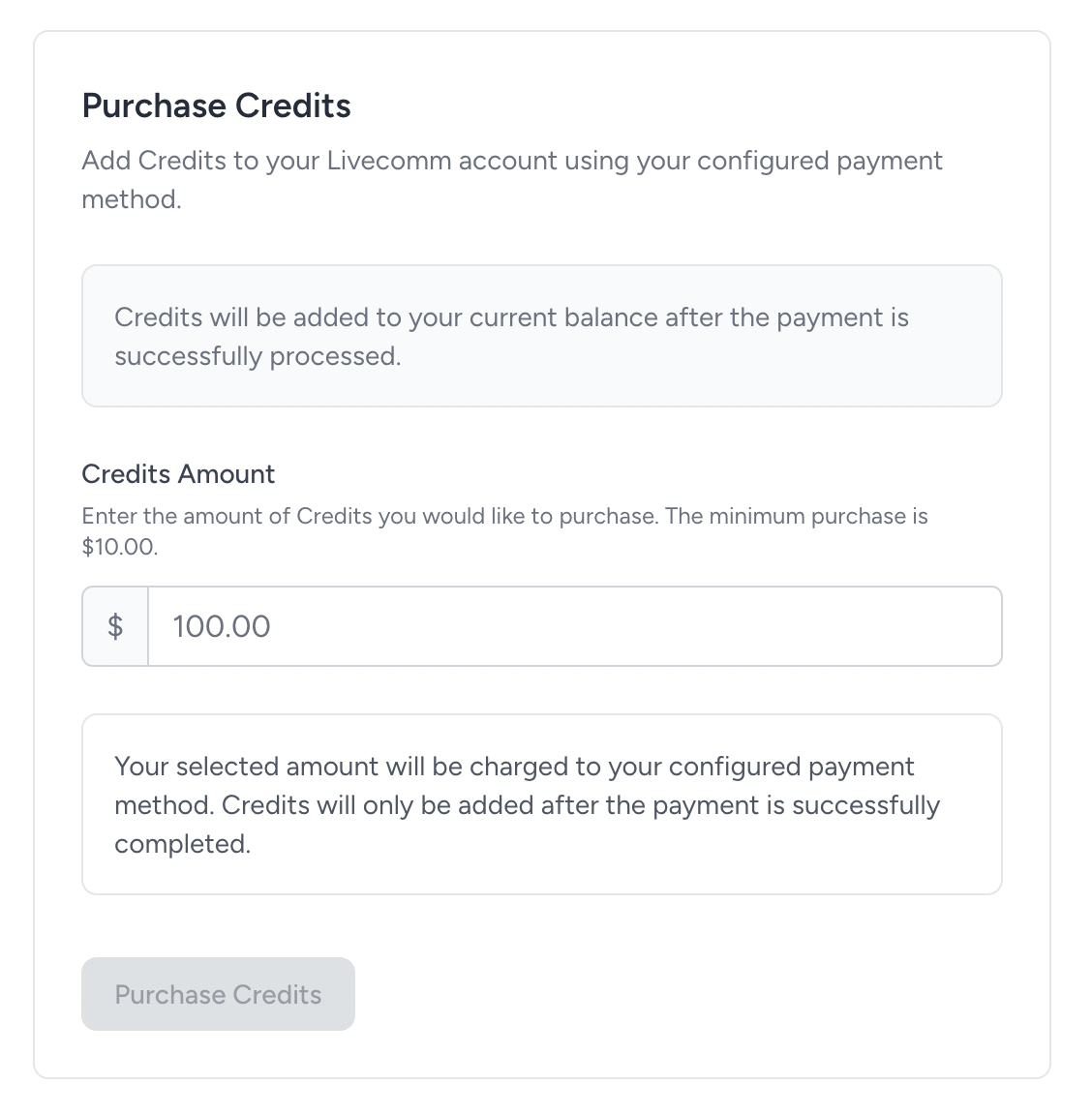
How the Credits System Works
Your Livecomm credit balance is managed continuously as your account uses eligible services.
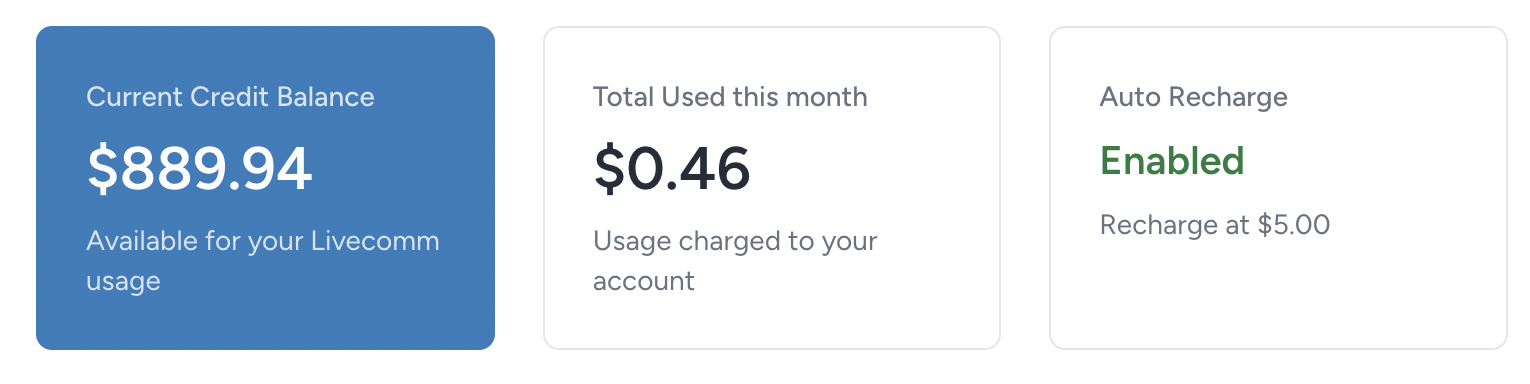
1. Maintain a Credit Balance
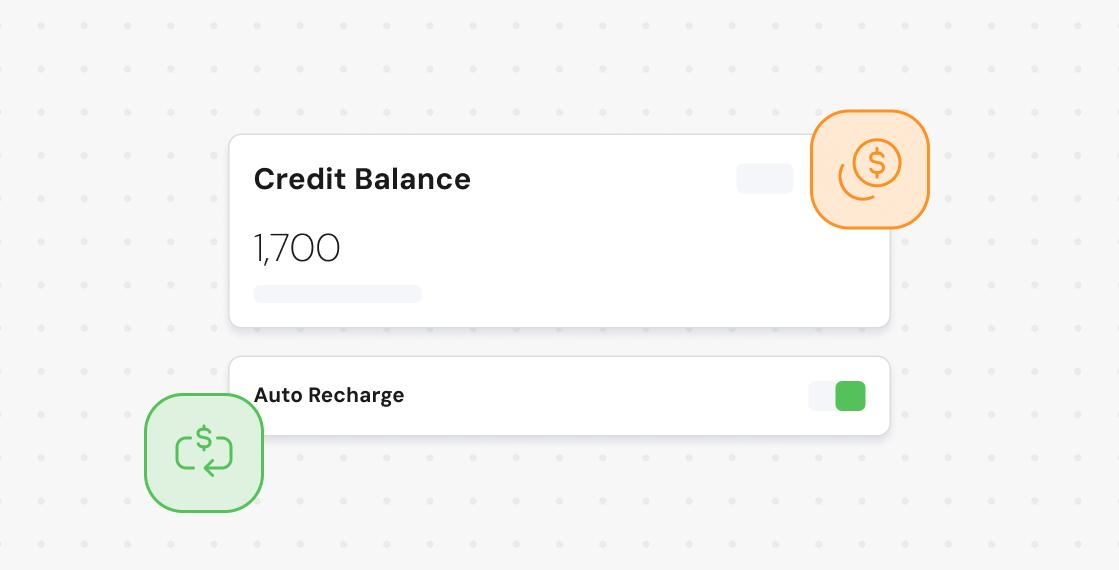
Your account maintains an available credit balance that can be used for eligible Livecomm services.
2. Use Livecomm Services
When your account uses an eligible service, the applicable usage is deducted from your available credits.
3. Replenish When Needed
You can add credits when needed or use Automatic Refill to replenish your balance automatically when it reaches the threshold you select.
Getting Started With Your Credits
When the new Credits System begins, your account will be charged a $10.00 minimum to establish your initial credit balance.
The initial $10.00 charge is a minimum starting balance. It is not a recurring $10.00 monthly charge.
After the Credits System begins, future charges are based on your actual Livecomm usage.
Your Credits Follow Your Actual Usage
Credits are deducted as your account uses eligible Livecomm services. This gives you a direct connection between the services your account uses and the credits consumed.
Future charges are based on actual usage rather than a fixed recurring amount.
Email-to-Text
Eligible Email-to-Text usage consumes credits based on the applicable usage generated by your account.
Calling
Supported calling activity consumes credits according to the applicable usage generated by your account.
Relay
Eligible Relay activity is also reflected in your credit balance based on the services consumed.
Manage Your Credit Balance
Your available credit balance gives you visibility into how much credit is currently available for eligible Livecomm services.
As usage is generated, credits are deducted from your balance. As additional credits are added, your available balance increases accordingly.
You can use your balance information to determine when additional credits may be needed and configure Automatic Refill according to your needs.
Your Balance
Available credits are used as your account generates eligible Livecomm usage.
Monitor your balance to understand your current available credit and manage your refill settings.
Automatic Refill Helps Keep Your Balance Available
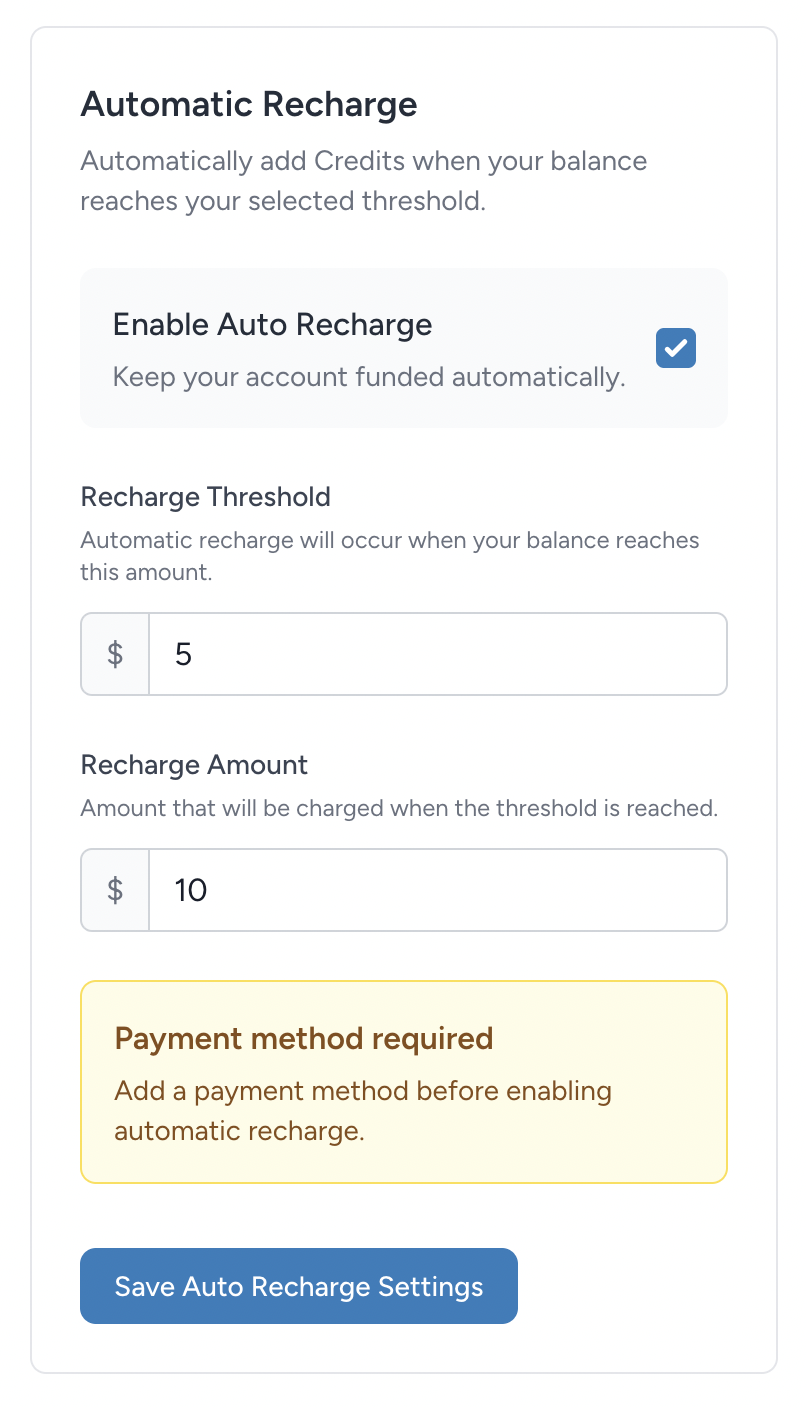
Automatic Refill gives you a way to replenish your credit balance automatically when it reaches the threshold you choose.
Set a Refill Threshold
The refill threshold determines when an automatic refill should be triggered.
For example, you could configure your account so that an automatic refill is triggered when your available balance reaches $25.00.
Choose a Refill Amount
The refill amount determines how many credits are added when an automatic refill is triggered.
For example, if your threshold is $25.00 and your refill amount is $100.00, the system can automatically add $100.00 in credits when your balance reaches the configured threshold.
Designed Around Your Usage
Your threshold and refill amount can be configured according to the amount of Livecomm usage your account typically generates.
This allows you to maintain a larger available balance for higher usage accounts or use smaller refills for accounts with lower usage.
Example: How Automatic Refill Works
Imagine your account has the following settings:
Refill Threshold
$25.00
Refill Amount
$100.00
Result
When your available balance reaches the configured threshold, an automatic refill adds the selected amount to your account.
Automatic Refill is designed to reduce the need to manually monitor your balance and help prevent your available credits from being exhausted during normal usage.
You Control Automatic Refill
Automatic Refill is an optional feature. You can configure the settings that determine when and how your balance is replenished.
If Automatic Refill is not enabled, additional credits can be added manually when needed.
Your refill settings can be adjusted as your Livecomm usage changes.
Your Refill Settings
- Refill threshold
- Refill amount
- Automatic Refill enabled or disabled
What Happens When Your Balance Gets Low?
Your credit balance is used as your account generates eligible usage. If the available balance becomes low, Automatic Refill can help replenish it when enabled.
If Automatic Refill is not enabled and there are not enough credits available for a service, additional credits may be required before the applicable service can continue.
A Credit System Built Around Your Usage
The Livecomm Credits System gives you greater visibility and control over how your account manages service usage.
Monitor
Keep track of your available credit balance and understand how your account is consuming credits.
Configure
Choose the Automatic Refill settings that make sense for your account and typical usage.
Maintain
Keep credits available for your Livecomm services without relying entirely on manual balance management.
Frequently Asked Questions About Livecomm Credits
What are Livecomm Credits?
Livecomm Credits represent the available balance in your account that can be used for eligible Livecomm services. Credits are deducted as your account generates usage.
Is the $10.00 charge recurring?
No. The $10.00 amount is the initial minimum charge used to establish your starting credit balance when the new Credits System begins. Future charges are based on your actual usage.
How are credits deducted?
When your account uses an eligible Livecomm service, the applicable usage is deducted from your available credit balance.
What is a refill threshold?
The refill threshold is the credit balance at which Automatic Refill is triggered. You can choose the threshold that best fits your account's usage.
What is the refill amount?
The refill amount is the number of credits that are added to your account when an Automatic Refill is triggered.
Can I choose my refill threshold and amount?
Yes. Automatic Refill is designed to allow you to configure both the balance threshold and the amount added when a refill is triggered.
Is Automatic Refill required?
No. Automatic Refill is optional. If it is not enabled, you can add credits manually when additional balance is needed.
What happens if I reach zero credits?
If there are not enough credits available for an applicable service and Automatic Refill is not enabled, additional credits may be required before that service can continue.
Why do I see my average monthly usage?
Your recent average monthly usage is provided as a reference based on your billing history. It can help you understand your typical usage and decide how to configure your credit management settings.
Does my historical average determine what I will be charged?
No. Your historical average is informational only. Future charges are based on your actual Livecomm usage.
Take Control of Your Livecomm Credits
Monitor your balance, understand your usage, and configure Automatic Refill to help keep the credits you need available for your Livecomm services.
Login to Livecomm


